Plan Builder
A multi-step planning tool covering discovery, user personas, user stories, user flows, design, tech stack planning, SaaS module planning, and shareable PRDs.
Plan software projects from first conversation to final architecture — all in one integrated tool that feeds directly into your proposals.
Overview
The Plan Builder walks your team through every stage of project planning in a structured, step-by-step process. Starting with discovery, you capture client requirements and goals. From there, you build user personas, write user stories, map user flows, plan designs, choose a tech stack, and configure SaaS module implementations. When you’re done, share the finished plan with your client as a professional PRD link. Everything flows together into a cohesive plan that becomes the foundation for proposals and estimates.
Discovery
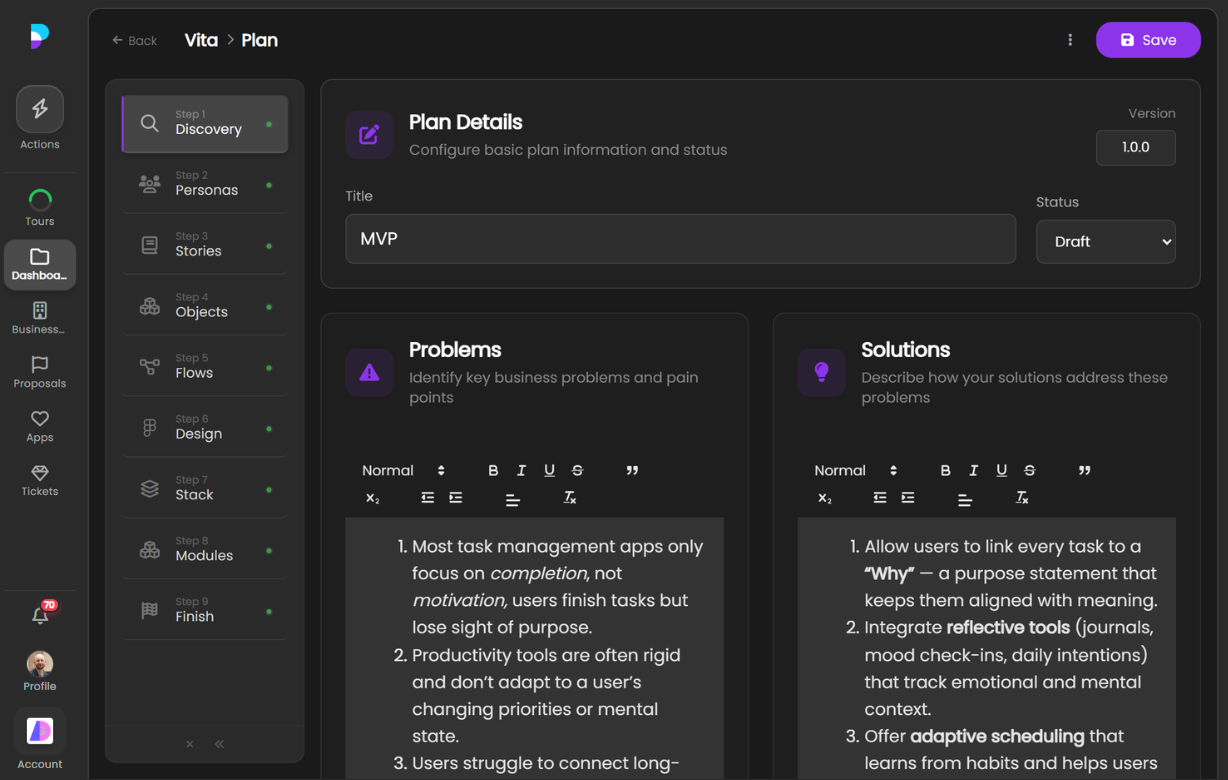
Every great project starts with understanding the problem. The Discovery step walks your team through gathering client goals, business context, constraints, existing systems, and success criteria. Everything is captured in a structured format that feeds directly into the next planning steps — so nothing gets lost between the initial conversation and the final deliverable.
- Goal capture — Document what the client wants to achieve and why
- Requirements gathering — Record functional and non-functional requirements in a structured format
- Constraints & context — Capture budgets, timelines, existing systems, and technical constraints
- Stakeholder mapping — Identify who’s involved and what they care about
User Personas
Build software for real people, not assumptions. User Personas captures the different types of users who will interact with the application. For each persona, you document their role, goals, frustrations, technical comfort, and key workflows. These personas then inform user stories, flows, and design decisions throughout the rest of the planning process.
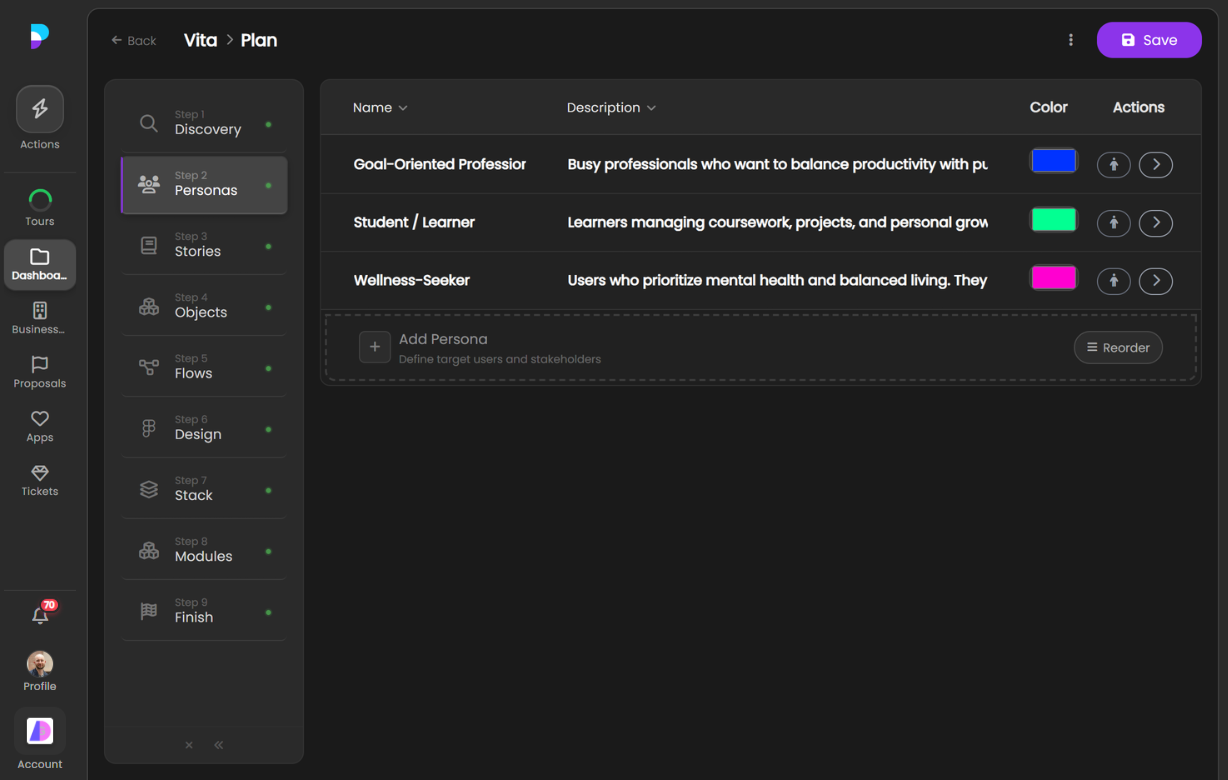
- Persona profiles — Create detailed profiles for each user type with demographics, goals, and pain points
- Behavioural insights — Document how each persona currently works and what they need to change
- Priority ranking — Identify primary and secondary personas to focus effort where it matters most
- Story linkage — Personas connect directly to user stories so every story has a clear audience
User Stories
Turn requirements into buildable work items. User Stories takes the personas and discovery output and breaks requirements down into individual stories following the “As a [persona], I want [goal] so that [reason]” format. Each story is scoped, prioritised, and linked back to its persona — creating a clear backlog that feeds into estimation and proposals.
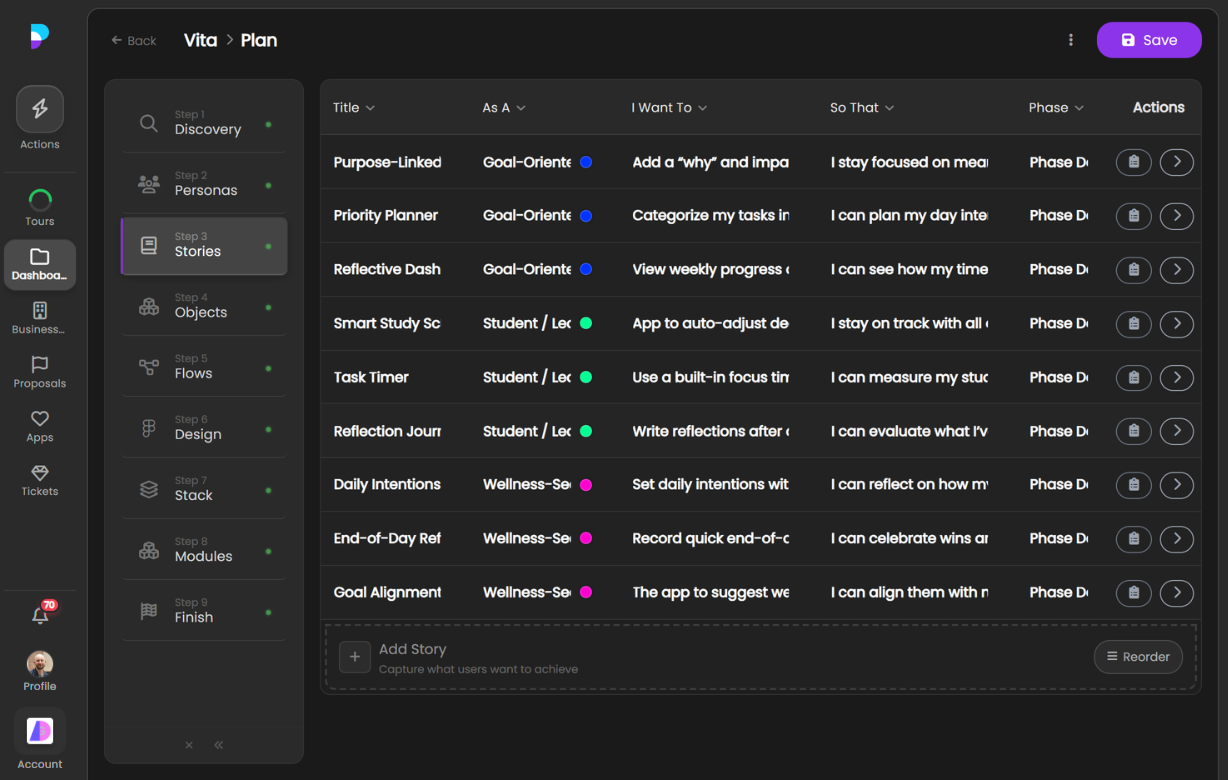
- Structured format — Write stories using the standard user story template for consistency
- Persona linkage — Every story is tied to a specific persona so priorities are clear
- Acceptance criteria — Define what “done” looks like for each story
- Prioritisation — Rank stories by importance to guide what gets built first
User Flows
See the full picture before writing a line of code. User Flows takes your personas and stories and turns them into visual step-by-step journeys through the application. Each flow shows where a user starts, what decisions they make, and where they end up. This validates that the application covers every scenario and helps identify gaps before design and development begin.
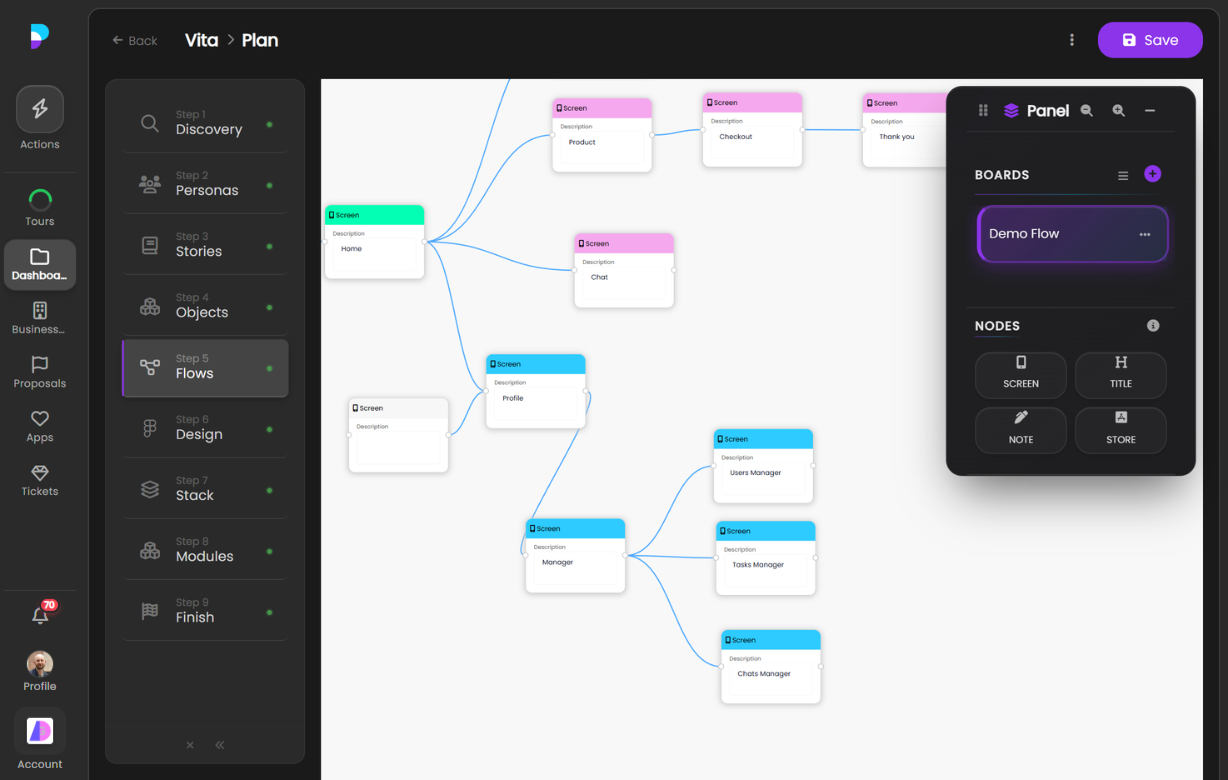
- Flow mapping — Create visual step-by-step flows for each key user journey
- Decision points — Map branches where users make choices that affect their path
- Gap detection — Identify missing screens, dead ends, or unclear transitions early
- Story alignment — Link flows back to user stories to ensure full coverage
Design
Turn flows into screens. The Design step lets your team plan the visual structure and user experience before development starts. This isn’t about pixel-perfect mockups — it’s about making sure the team agrees on what each screen contains, how users navigate between them, and what the overall experience feels like. The output feeds into tech stack and implementation planning.
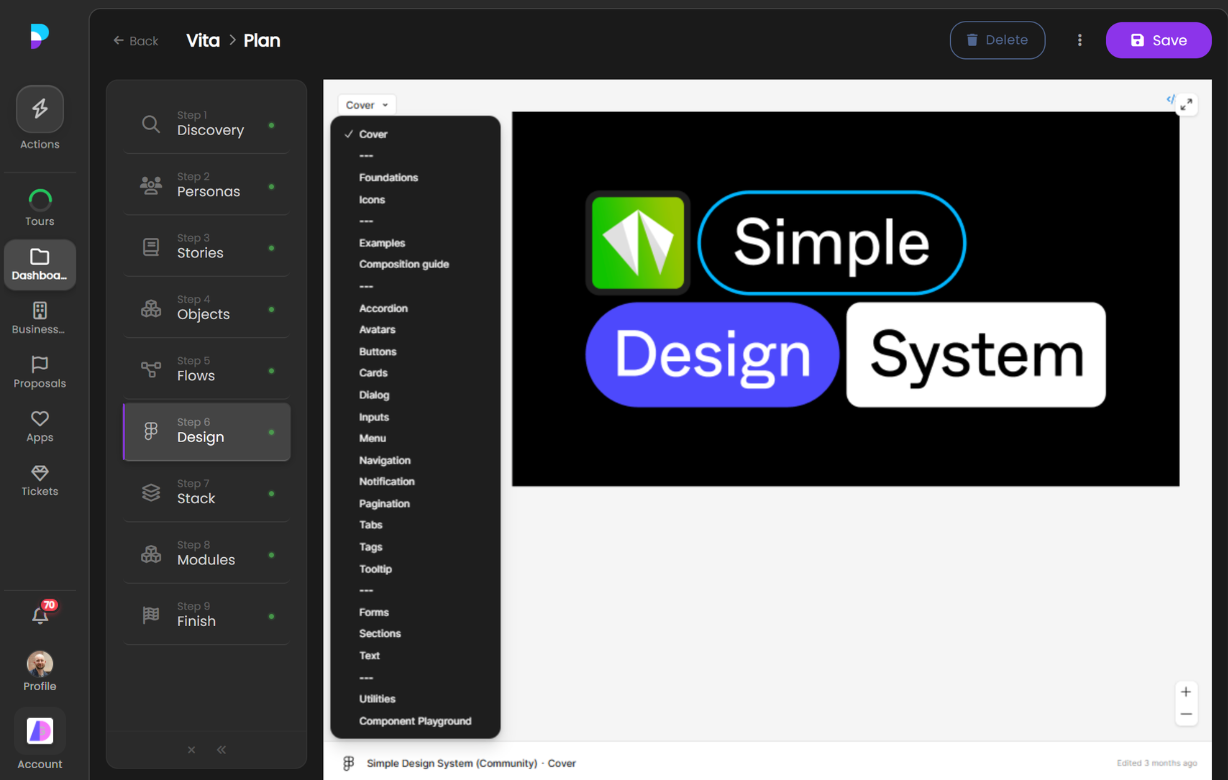
- Screen planning — Define what each screen contains and how it’s structured
- Navigation design — Plan how users move between screens and sections
- Component identification — Identify reusable UI components across the application
- Experience validation — Review the planned experience with stakeholders before building
Tech Stack Planning
Choose the right tools for the job. Tech Stack Planning guides your team through selecting frontend frameworks, backend services, databases, hosting, and third-party integrations. Decisions are informed by the project’s requirements, user flows, and design — so the tech stack is chosen to serve the product, not the other way around. The selected stack feeds into implementation planning and estimation.
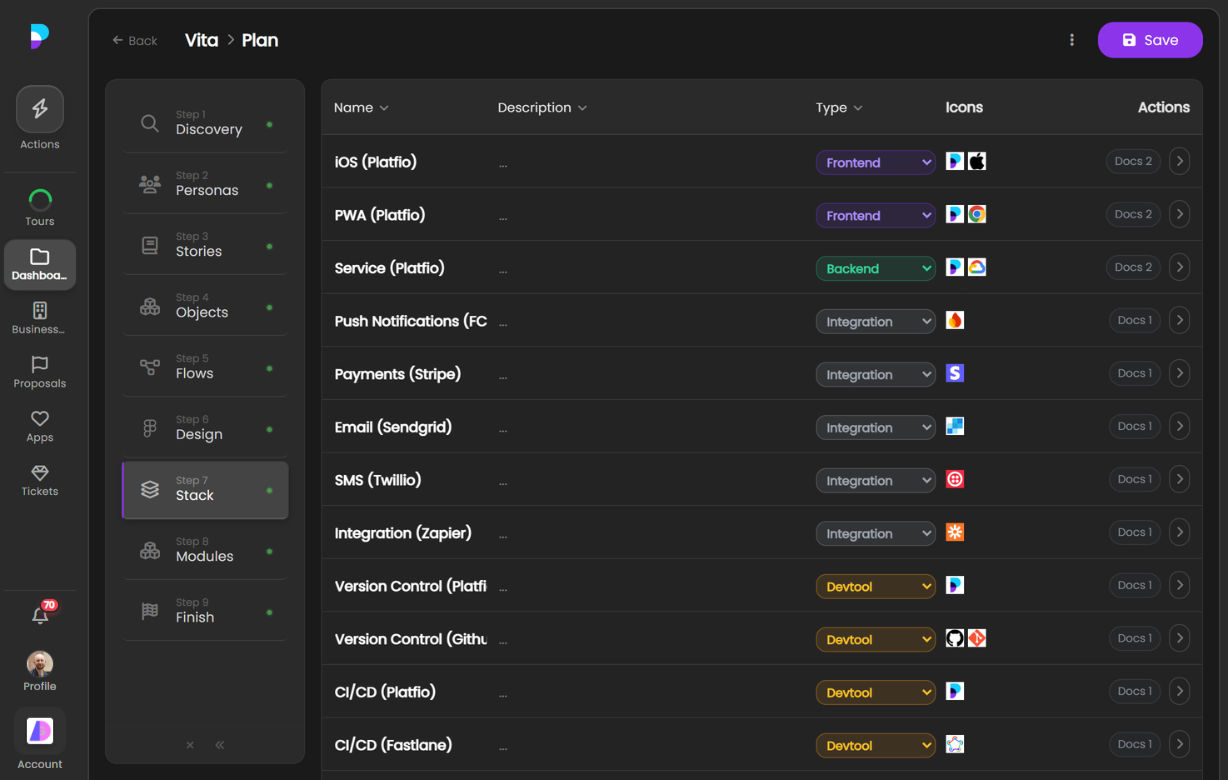
- Framework selection — Choose frontend and backend frameworks based on project needs
- Infrastructure planning — Select hosting, databases, and cloud services
- Integration mapping — Identify third-party services and APIs the project needs
- Trade-off documentation — Record why each technology was chosen and what alternatives were considered
SaaS Module Planning
Plan SaaS implementations by mapping requirements to available modules and identifying what needs custom work. For each requirement, you identify whether an existing module covers it, needs configuration, or requires custom development. This creates a clear implementation plan that feeds directly into the Fit-Gap Estimator for accurate costing.
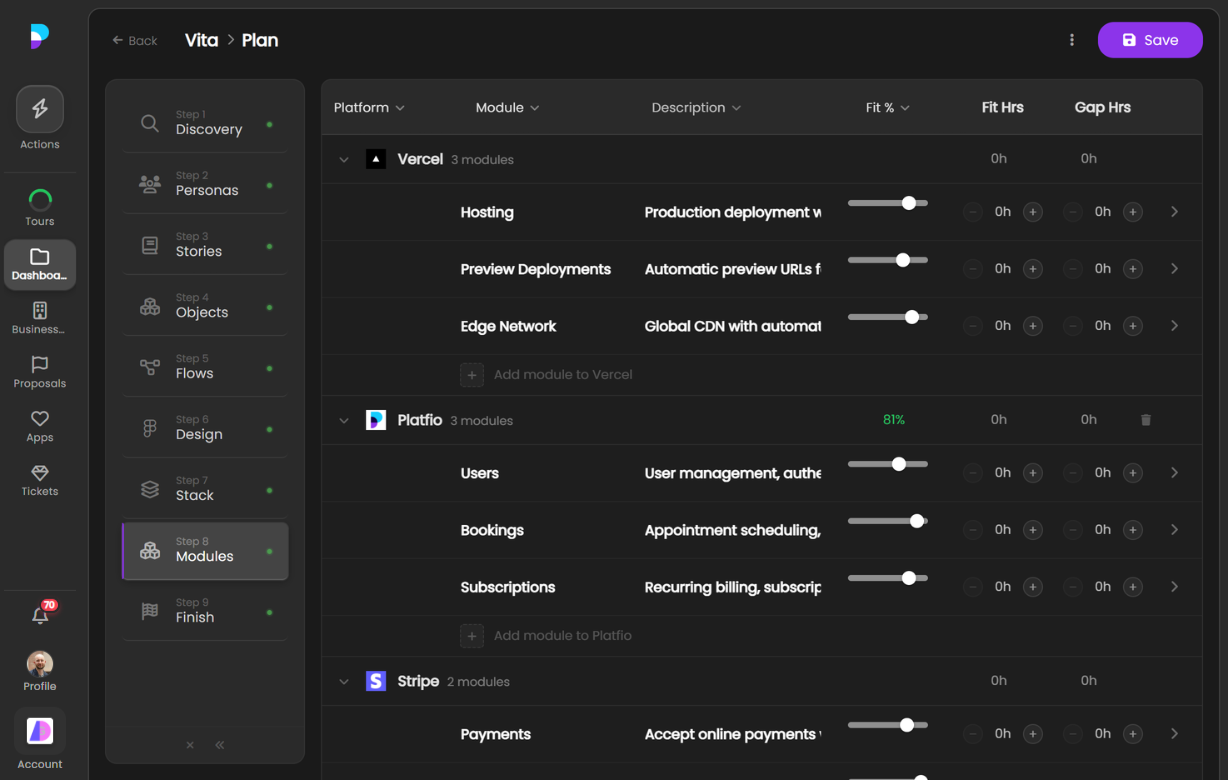
- Module mapping — Match project requirements to available SaaS modules
- Configuration planning — Identify modules that need configuration versus custom development
- Gap identification — Surface requirements that no existing module covers
- Implementation roadmap — Produce a sequenced plan for enabling, configuring, and building each piece
PRD Share
Share your plan with a single link. After running discovery with a client — whether it’s a paid engagement or a free introductory session — PRD Share takes everything captured in the Plan Builder and turns it into a clean, shareable link. Your client sees a professional Project Requirements Document that summarises the discovery session, outlines the requirements gathered, describes the user personas, lists user stories, maps user flows, and presents the proposed design and technical approach.
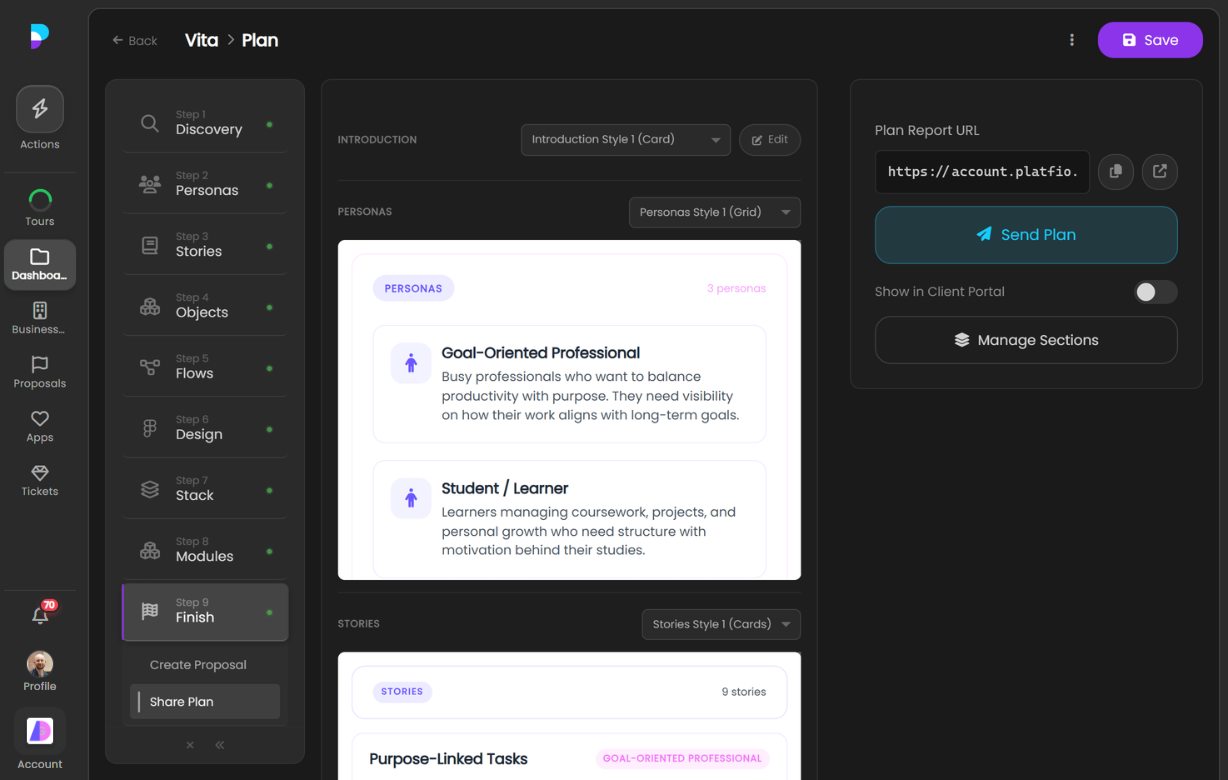
- One-click sharing — Generate a link from your plan and send it to your client instantly
- Automatic generation — Pulls directly from your Plan Builder data, no manual copy-pasting or rewriting
- Full requirements outline — Presents user personas, user stories, user flows, and design plans in a structured, readable format
- Works for any engagement — Whether you ran a paid discovery or a free session, the PRD captures everything that was planned